
AI Zombie Trend
A survivor faces someone they love as a zombie. The gun drops, the zombie lunges, and the film cuts to a warm memory together. Explore this reunion version of the zombie trend and make your own from two photos.
- Shot list
- Three ways to make it
- Story guide
Make your zombie trend clip
Scene
Story settings & photo requirements
JPG, PNG or WebP up to 10 MB. Adult humans only. One clear subject, at least 512px on the shortest edge. Your photos stay on this device until you submit while signed in.
Private photos · 50 credits per delivered story · Failed tasks release your credit.
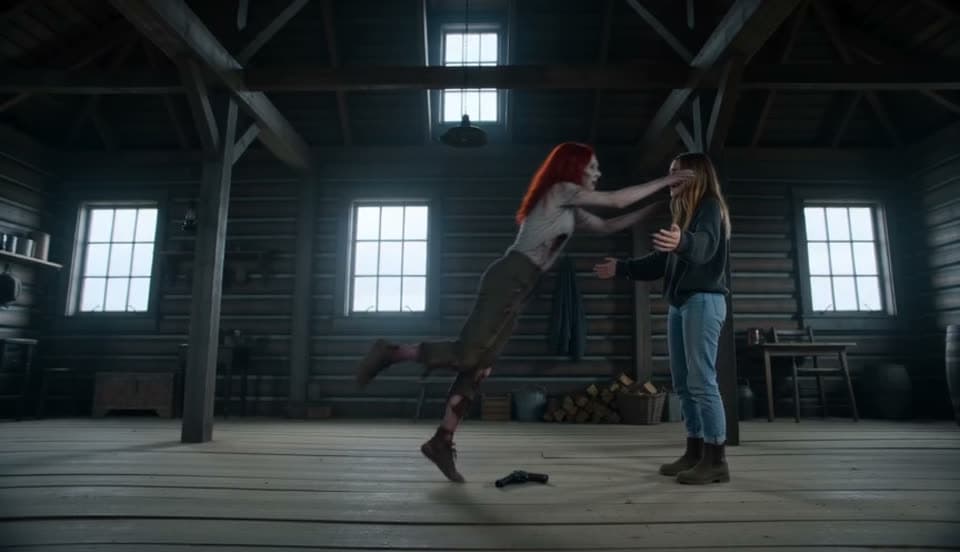
External couple reunion reference · aizombie.video. This is not a zombielove output.
What is the AI zombie trend?
The reunion format tells a small fictional story: someone familiar has turned, and the survivor cannot follow through with the weapon.
Recognition changes the choice. Open arms and a forward leap carry the film into a warm memory of the two characters together.
The wide composition gives the encounter and movement room. Below is a reference shot list; our fixed template and AI output can vary in timing and appearance.
| Time | Shot | Story direction |
|---|---|---|
| 0–1 s | Close-up | The survivor struggles with the choice, facing the companion. |
| 1–3 s | Over the shoulder | The infected character comes closer across the room. |
| 3–4 s | Front medium | The survivor holds the weapon, still unable to fire. |
| 4–5 s | Extreme close-up | Clouded eyes reveal the changed, familiar face. |
| 5–8 s | Front medium | The survivor lowers the weapon and opens their arms. |
| 8–10 s | Side-on wide | The companion runs and leaps toward the survivor. |
| 10–15 s | Warm memory | The movement becomes a reunion in the world before. |
The four beats of the zombie trend
A cold encounter becomes a reunion. These are the intended story beats; AI motion and timing vary.
- 0–4 s
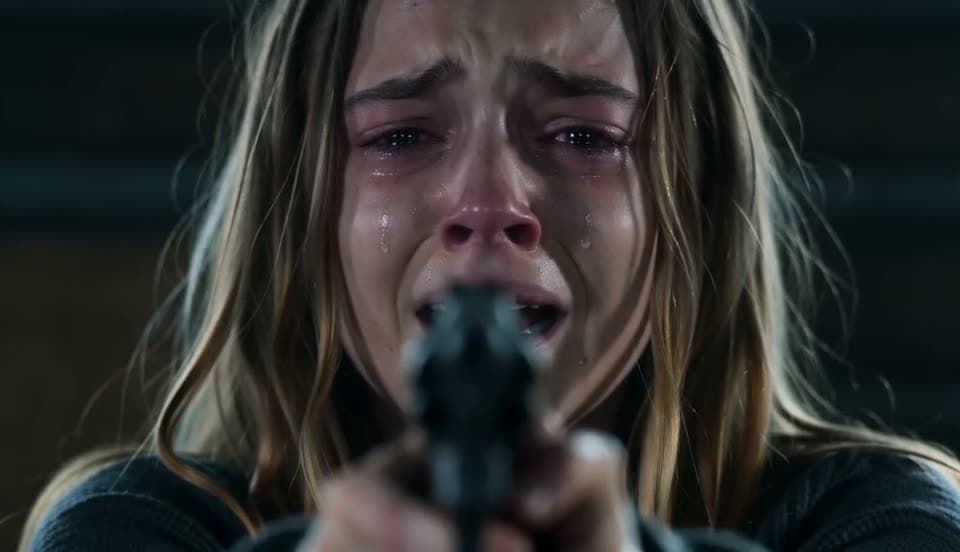
The cabin
A survivor struggles with the choice while the infected companion moves closer.
- 4–6 s
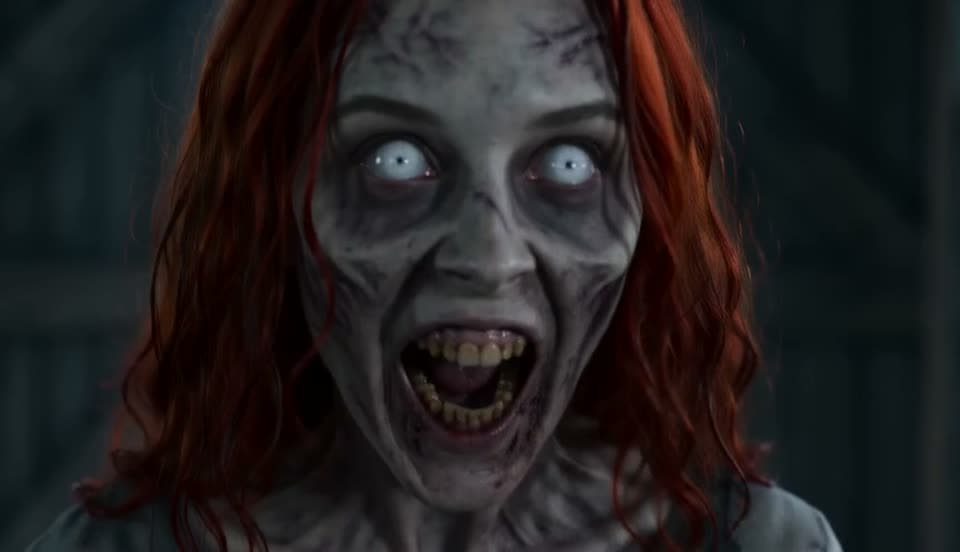
The face
A close view reveals the changed eyes and the familiar face beneath the zombie look.
- 6–10 s
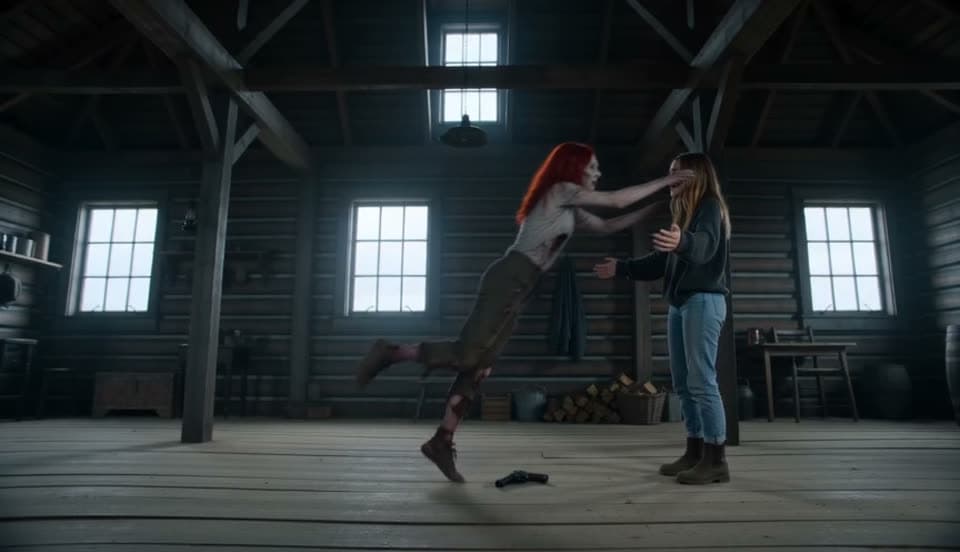
The leap
The weapon drops. Open arms wait as the companion runs and jumps forward.
- 10–15 s
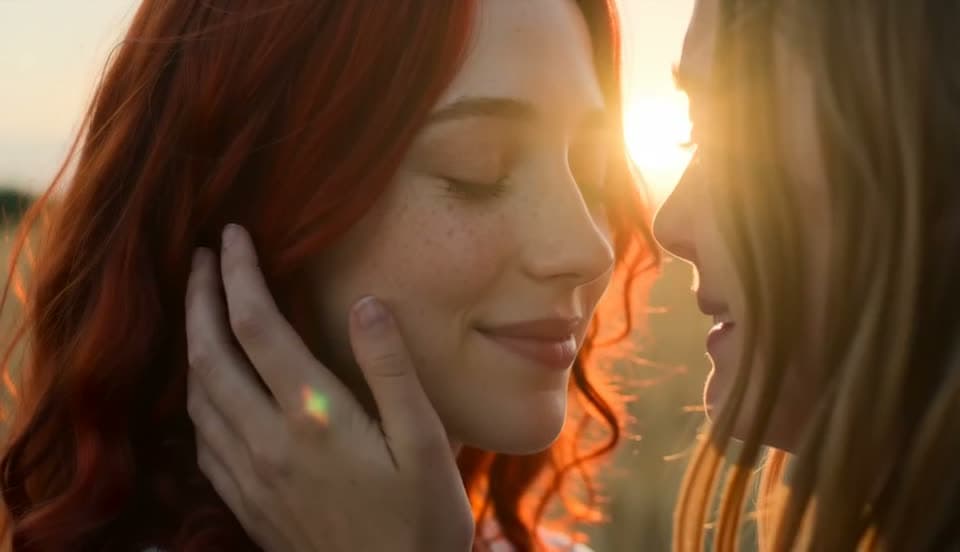
The memory
The movement carries into a sunlit memory, with both companions alive and reunited.
Frames from external reference clips at aizombie.video. They explain the story concept, not the quality of our candidate model.
Three ways to make the AI zombie trend
The routes differ in how much you assemble and control yourself.
| Method | What you provide | What you do | Good to know |
|---|---|---|---|
| Editing-app template | Photo references | Choose a template and follow that app’s export flow | Features and account requirements depend on the app |
| Video-model prompt | References and a written shot list | Direct the shots, review results and assemble the sequence | Requires your own model setup and editing decisions |
| zombielove | Two photos and story settings | Confirm permission and submit with paid credits | Fixed reunion template; follow the real stage in My videos |
The prompt behind these clips
Read how our fixed story connects the encounter, the leap and the memory. The guide explains photo roles and output settings; no custom prompt is needed in this generator.
Read the story guideExplore other stories
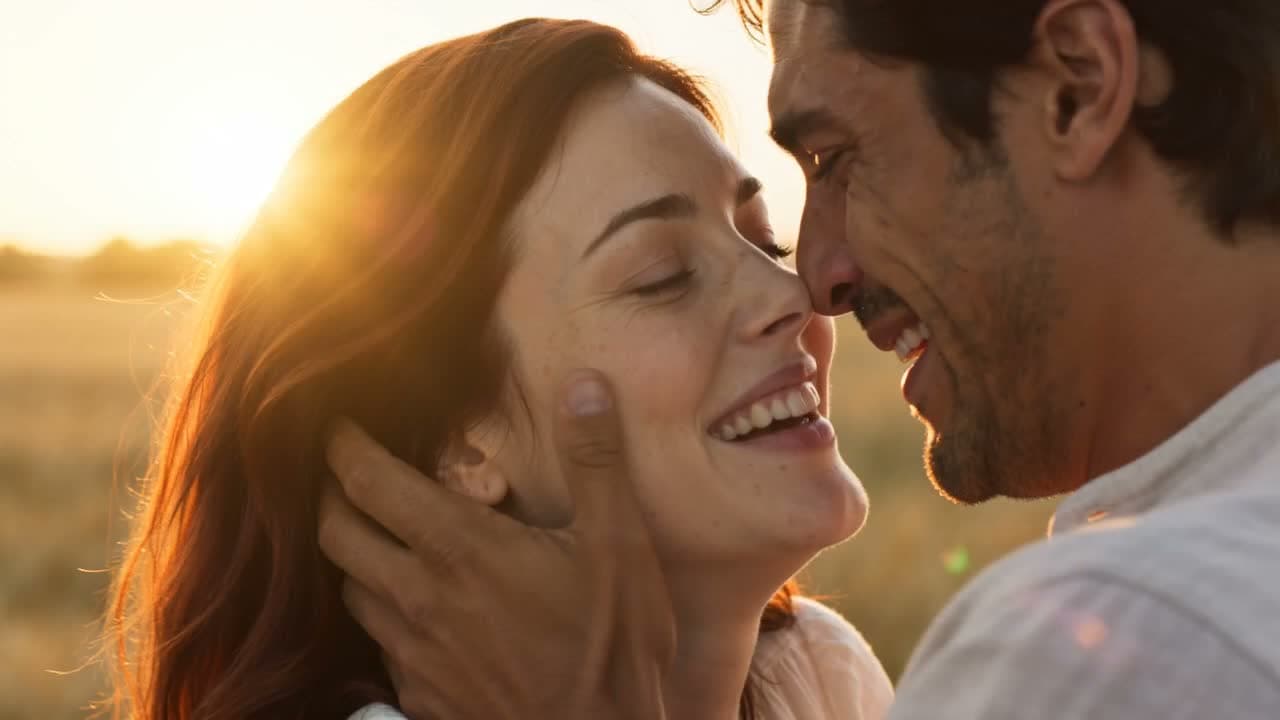
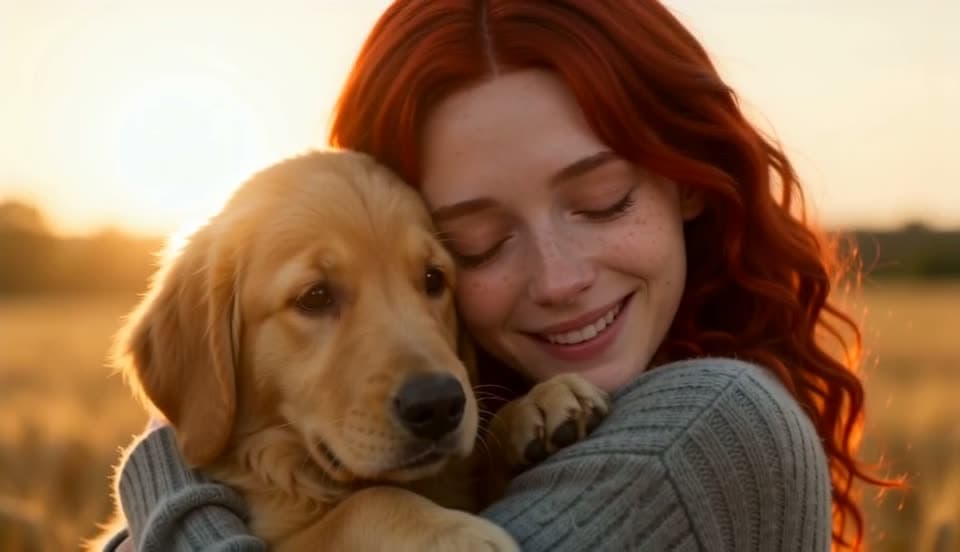
Find another way to tell your story with two photos.
AI zombie trend FAQ
What is the AI zombie trend?
A fictional short-film format combining a zombie encounter, an emotional choice and a reunion in a warm memory.
How can I make my version?
Upload two photos, choose roles and output settings, confirm photo permission, then sign in and submit with paid credits. Follow the real generation stage in My videos.
Can I read about the story prompt?
The photo-to-video guide explains our fixed story and photo roles. This generator supplies its template; it does not accept a custom prompt.
Why do many trend clips use a wide frame?
A landscape frame gives the encounter and leap room to move. We support both 16:9 landscape and 9:16 vertical output.
Which song comes with the video?
Delivered MP4s include an audio track. We do not promise a particular popular song; review the audio before sharing your video.
Can I make the trend with a pet?
Yes. Select Pet and use Story settings to choose dog or cat. Upload one animal and one adult human; the animal is the zombie and the person stays human.
Your turn
Put your faces into the story. Two photos. A 15-second film. A connection worth remembering.